The white-studio sketch trend · October 2026
Alors on Danse AI Video Generator
Upload two photos and get a 14-second clip of the "Alors on danse" studio sketch starring your pair: one of you at the mini keyboard, the other clapping, dancing and leaning into the camera.
2 photos · 14-second 16:9 MP4 · Pay per video, no subscription · Silent, add the sound when you post
Alors on Danse AI Video Examples
These clips show the trend as made with other AI video tools. They are not output from this site.
Alors on Danse AI at a Glance
Alors on Danse AI is a web tool that turns two photos into a 14-second, 16:9 video of the white-studio "Alors on danse" sketch. Photo 1 becomes the keyboard player at the table and Photo 2 becomes the hype partner who gets the close-up. Each photo can be a person or a pet.
| Input | Two photos, one subject each (a person or a pet). JPG, PNG or WebP up to 10 MB |
|---|---|
| Output | MP4, 16:9, 14 seconds |
| Modes | Studio Remake (keeps the sketch's cuts and close-up) or Quick Duo (one wide shot) |
| Credits | Studio Remake: 476 credits at 480p ($4.76) or 1,064 at 720p ($10.64). Quick Duo: 112 credits ($1.12). $1 = 100 credits |
| Time | Studio Remake about 5–8 minutes; Quick Duo about 4–6 minutes |
| Audio | None. The file is silent; add the sound when you post |
| Privacy | Videos stay private to your account |
| Failed runs | Credits go back to your balance automatically |
What Is Alors on Danse AI?
The trend comes from a 2010 comedy sketch in which Jamel Debbouze pretends to teach Stromae his own hit, "Alors on danse," on a laptop and a mini keyboard in a bare white studio. In late September 2026 an AI version put two tech CEOs in the two roles, and since then people have been recasting it with friends, partners, pets and characters.
This site makes that recast from two photos. One person or pet becomes the calm keyboard player at the table; the other becomes the partner who claps, dances and leans into the camera. You get a silent 14-second clip back to post on TikTok, Reels or Shorts.
Read the full trend explainer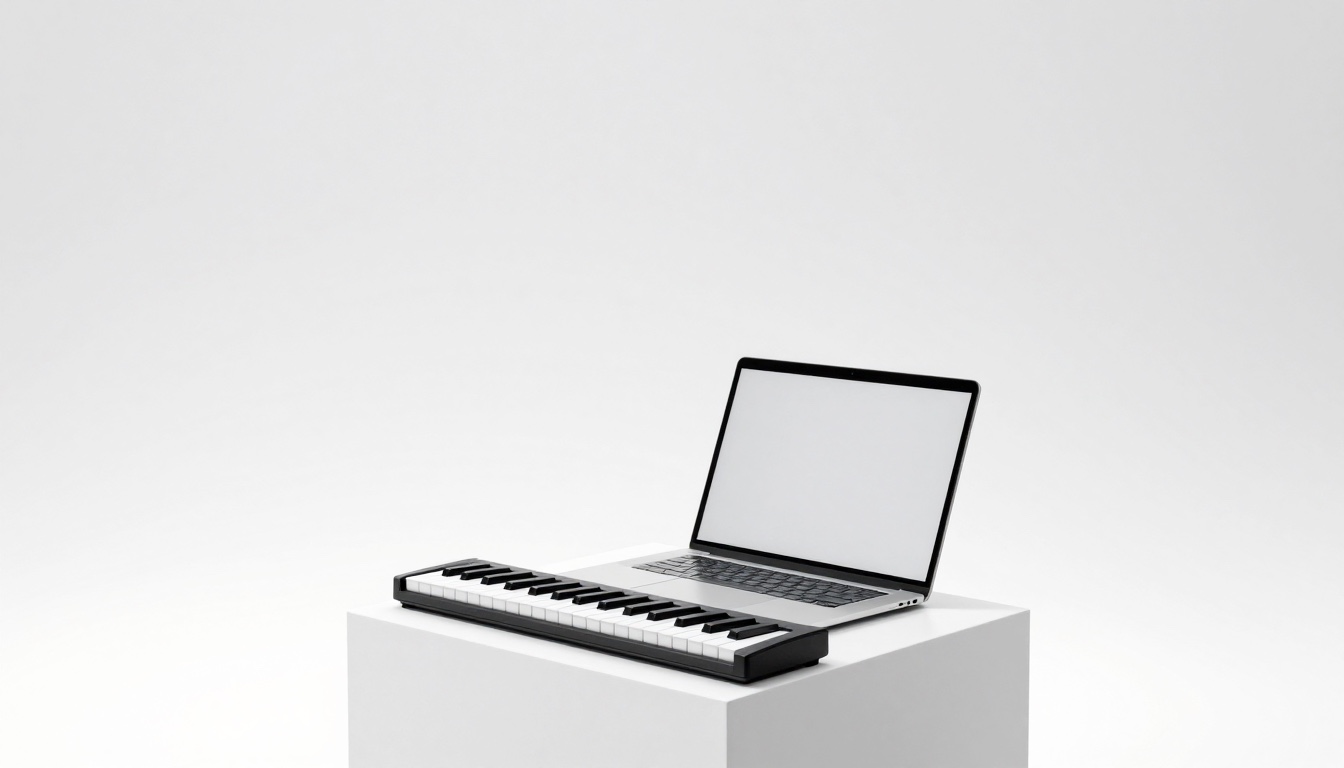
How It Works: Two Photos, One Clip
Three steps, a few minutes of waiting, no editing.
Add two photos
Photo 1 is the keyboard player who stays at the table. Photo 2 is the hype partner who gets the close-up. Use one clear subject per photo with the face visible.
Pick Studio Remake or Quick Duo
Studio Remake rebuilds the sketch with its cuts and close-up. Quick Duo is a cheaper single wide shot. You can switch any time before you generate.
Download and add the sound
Save the silent MP4, then add "Alors on danse" from the music library in TikTok, Instagram or YouTube when you post.
Studio Remake or Quick Duo?
Both take the same two photos. They differ in how close the result stays to the sketch, and in price.
Studio Remake
Your two subjects replace both performers in a 14-second reference clip of the white studio. The cuts, the close-up lean-in and the jog-off at the end stay where they are, so the result follows the sketch shot for shot.
- Keeps every cut and the close-up
- Choose 480p or 720p before you generate
Quick Duo
We build a new still of your two subjects behind the table in a white studio, then animate it with the sketch's moves. It plays as one continuous wide shot, without cuts or a close-up.
- The lowest-cost way to try the trend
- Offered in one click when your balance is short for a Remake
Who Can You Put in the Sketch?

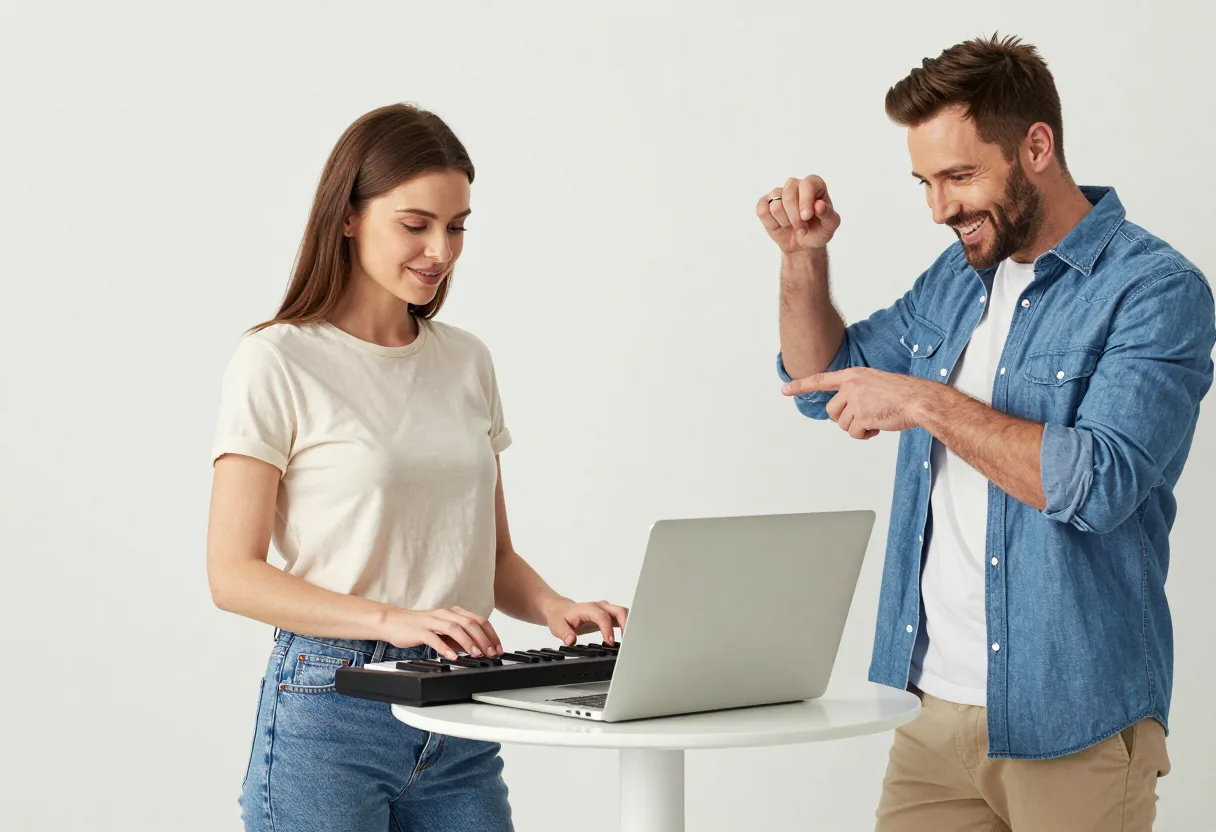
You and a friend
Decide who plays it straight. The friend who can't sit still goes in Photo 2 and gets the close-up. Ask them before you upload their photo.
Couples
One of you on the keyboard, the other on hype duty. Swap the photos between the slots and run it again if you want both versions.

You and your pet
Dogs, cats and other pets can take either role, so your dog can play the keyboard while you hype it up. Results vary; a clear photo with the animal facing the camera helps.
Original characters
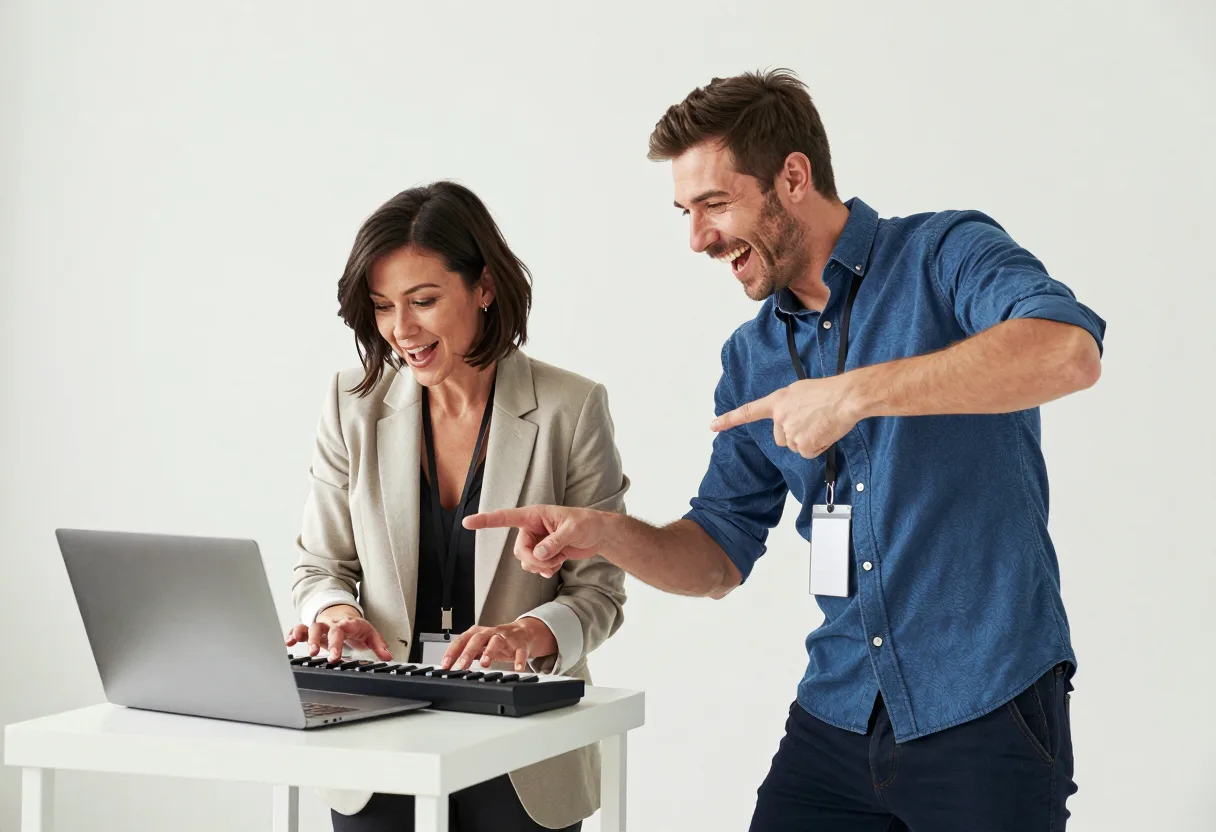
A mascot, avatar or 3D character you created can take either role. Original creations only; real public figures are not allowed.
Studio Remake vs Quick Duo, Side by Side
| Studio Remake | Quick Duo | |
|---|---|---|
| How it's made | Edits our 14-second reference clip of the white studio | Builds a new white-studio still of your two subjects, then animates it |
| Shots | The original cuts, the close-up lean-in and the jog-off | One continuous wide shot; no cuts, no close-up |
| Who goes where | Photo 1 replaces the keyboard player and Photo 2 the hype partner, in every shot | Photo 1 stands at the mini keyboard, Photo 2 beside the laptop |
| Pets & characters | Yes, in either role and in both modes. One subject per photo; results vary | |
Why Make It Here
Two ways to make it, one studio
Studio Remake keeps the sketch's cuts and close-up; Quick Duo is the low-cost single shot. Both take people or pets. If your balance is short for a Remake, the studio offers the switch in one click.
Pay per video, no subscription
Buy a one-time pack when you need one and spend it a video at a time. Nothing renews, and a run that fails puts its credits back on its own.
A silent file you can post anywhere
The MP4 carries no music, so there's no song in the file to get muted when you upload. Add "Alors on danse" from the platform's own sound library instead.
10 languages
The site and the studio work in English, 简体中文, Русский, Deutsch, Français, 日本語, 한국어, Español, Português and Türkçe.
Ways to Join the Alors on Danse Trend
| Method | What you need | What you get | Effort | Typical cost |
|---|---|---|---|---|
| Alors on Danse AI | Two photos | The white-studio sketch with your pair, cuts and close-up included in Studio Remake | Two uploads and one click | From $1.12 per video |
| Other trend generator sites | One or two photos, depending on the site | Varies: some add the song, some offer vertical or longer clips | Upload and wait | Credits or plans, priced per site |
| General AI video tools | A reference clip, photos and prompts | Rebuilt by you; how close it gets depends on your prompts | Prompting and retries | Plan or per-clip fees |
| Film it yourself | A friend, a white wall, a laptop and a mini keyboard | Your own take on the sketch | A short shoot and an edit | Free with gear you already own |
Pricing for Alors on Danse Videos
Credits come in one-time packs of $5, $10 or $20, and $1 buys 100 credits. A $5 pack covers one Studio Remake at 480p or four Quick Duos; a $10 pack covers two 480p Remakes or eight Quick Duos. There is no subscription.
- 2 Studio Remake videos
- or 8 Quick Duo videos
- Credits work for both video modes
- Pay once, no subscription
- Credits never expire
- 1 Studio Remake video
- or 4 Quick Duo videos
- Credits work for both video modes
- Pay once, no subscription
- Credits never expire
- 4 Studio Remake videos
- or 17 Quick Duo videos
- Credits work for both video modes
- Pay once, no subscription
- Credits never expire
No subscription. Credits never expire. Failed videos are refunded automatically.
Alors on Danse AI FAQ
Pick Studio Remake if you want it to look like the sketch: it keeps the cuts, the close-up and the jog-off. Pick Quick Duo for a cheaper try; it plays as one continuous wide shot. You can run a Quick Duo first to check your photos, then make a Remake.
Pick your keyboard player
Two photos and a few minutes is all the sketch needs.